
Chrome’s Hidden AI Download: What SMBs Need to Know
Google Chrome has quietly installed a 4 GB AI model on millions of devices. Here’s what it means for your business and how to take back control.
By The Dragon Digital team ·
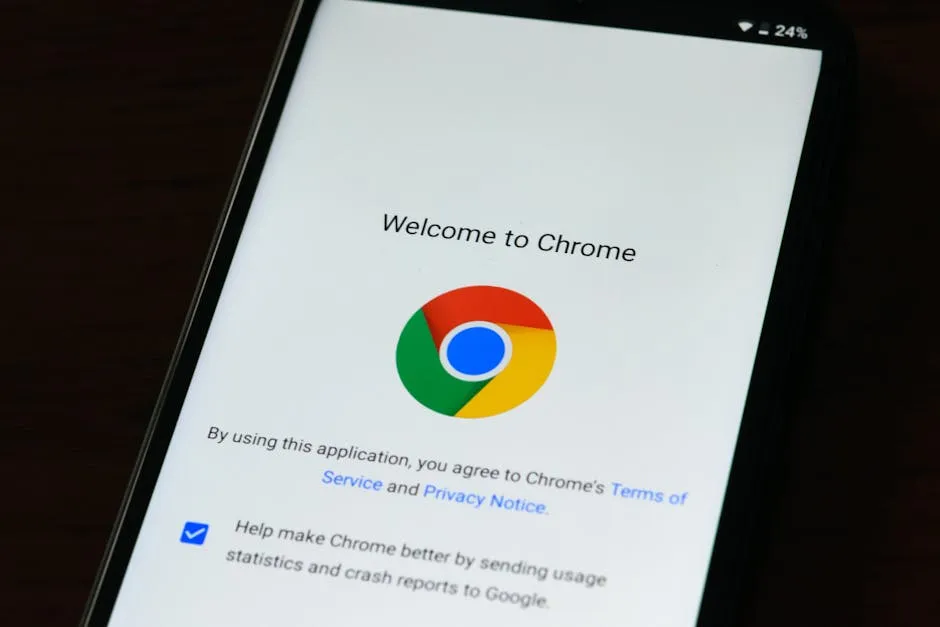
If Chrome has been quietly eating up storage on your work computers, there is a reason. Privacy researcher Alexander Hanff found that Google Chrome has been silently downloading a 4 GB AI model called Gemini Nano to devices worldwide. No consent prompt, no notification, and no easy way to turn it off. Chrome just installs it via the automatic update system and, if a member of staff deletes the file, it comes straight back down again.
For a small business in North Wales, this is more disruptive than it sounds. A surprise 4 GB download can throttle your connection mid-morning, eat through capped rural broadband allowances, and fill the disk on older company laptops. If your team is running Chrome to handle email, accounting software, or cloud storage, that is exactly the kind of background interference you don’t need.
What the model actually does
Gemini Nano is designed to power Chrome’s newer AI features: writing suggestions, scam detection, and page summaries. Running the model locally, rather than sending data off to Google’s servers, sounds like a win for privacy. Here’s the thing though: the most visible AI feature, the “AI Mode” button that many users will actually encounter, still sends your queries to Google’s cloud servers regardless. So the local model sits largely unused for most people, and you’re bearing the storage and bandwidth cost without any real privacy benefit in return.
Taking back control
There is no simple toggle in Chrome Settings to block this. Removal options are buried in technical flags and Windows Registry edits, which is not territory most business owners should have to navigate. For teams running Chrome across multiple devices, the proper fix is a browser policy deployed centrally. An IT provider can configure Chrome through Group Policy to prevent the installation or disable these AI features across your whole fleet.
If your business relies on Chrome day to day, this is a good prompt to review your browser policy:
- Check whether Gemini Nano is already present on your devices
- Assess the bandwidth impact, particularly if you’re on a rural or capped connection
- Consider whether you want AI features active on company machines at all Dragon Digital is happy to take a look at your browser setup and put the right controls in place. Just get in touch.
Could your business use a hand with its IT?
We provide managed IT support, cyber security and more to businesses across North Wales.
Related guides
- Software Updates
Windows 11 finally lets you move the taskbar
Microsoft is testing a movable taskbar and leaner Start menu in Windows 11. Here’s what it means if your team has been resisting the upgrade.
- Software Updates
Windows 11 KB5089573: Worth rolling out now, don’t wait for June
Optional update hitting Windows 11 machines in May brings measurable app-launch and login speed boosts. Since it won’t auto-deploy, you need to push it to.
- Software Updates
Windows 11 KB5089573: The update that actually speeds things up
Microsoft’s latest update tackles the sluggishness that’s haunted Windows 11 since launch. Start menu and apps open faster, no hardware upgrade needed.