
Macs aren’t immune to credential theft, here’s what to do
A new macOS malware spoofs Apple, Google, and Microsoft login screens to steal passwords and files. Same defences, different platform: 2FA, password.
By The Dragon Digital team ·
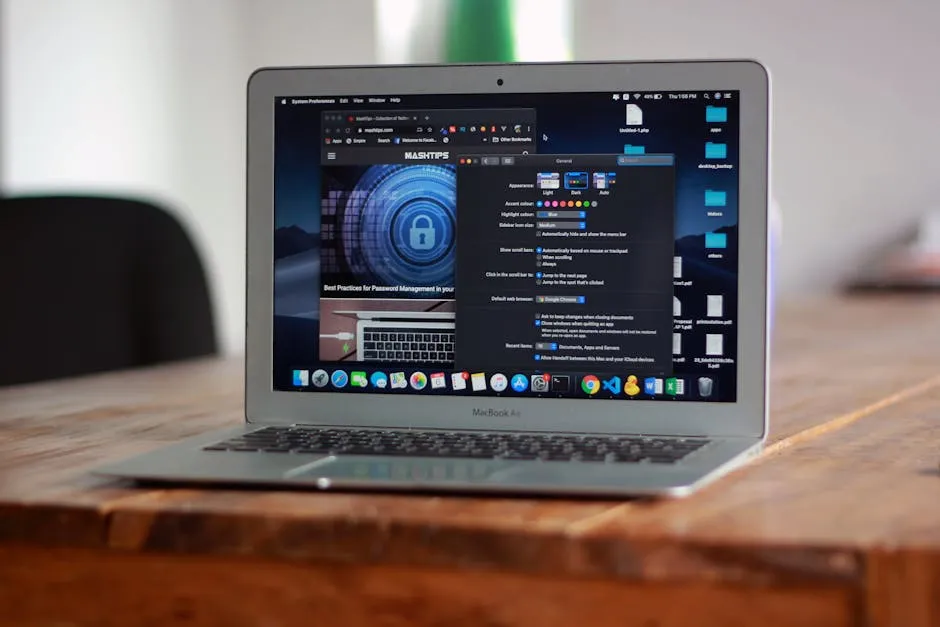
If your business runs a few Macs, a design studio in Rhyl, an accountancy practice in Ruthin, a law firm anywhere across North Wales, you’ve probably heard the reassuring line: Macs don’t get viruses like Windows machines do. There’s a grain of truth in it. But it’s not the whole picture.
Security researchers have documented a new macOS malware called SHub Reaper that steals passwords and business files by spoofing familiar login screens from Apple, Google, and Microsoft. According to SentinelOne’s write-up, it starts with a fake Apple security prompt, the kind that looks completely normal if you’re in the middle of something, and asks for your macOS password. Once it has that, it hoovers up saved credentials from your browsers, password manager extensions, and your Mac’s built-in password storage. It also hunts through your Desktop and Documents folders for business files, and plants a persistent backdoor disguised as a Google software update, giving attackers ongoing access long after the initial compromise.
The clever bit: it doesn’t exploit a software vulnerability. It uses social engineering, tricking a person into typing their password, and hides behind Apple’s own built-in scripting tools to avoid detection. It typically arrives disguised as a WeChat or Miro installer.
What actually helps
The good news is that the standard defences work here, just as they do on Windows.
Two-factor authentication (2FA) is the biggest single win. Stolen passwords become much less useful if an attacker still needs a second factor to get in. Any 2FA is better than none, though passkey and FIDO2-based methods are stronger than SMS codes, see our piece on what the NCSC’s advice on passkeys means for your business for a plain-English rundown.
Password managers limit the blast radius. Unique passwords per account mean that one stolen password can’t be tried everywhere else.
Keep macOS updated. Apple patched some of the techniques this malware exploited in recent macOS releases. Staying current closes the window.
Brief your staff. Apple does not ask you to open Script Editor and run code to install a security update. If a pop-up is asking for that, it’s not Apple. A two-minute conversation about what legitimate update prompts look like goes a long way.
Macs do see fewer attacks than Windows machines by sheer volume, there are more Windows PCs in the world, but the gap has been narrowing for years. The approach that works on Windows works on Mac too: make stolen credentials as useless as possible, block the obvious tricks, and keep the software current.
If your business uses Macs and two-factor authentication isn’t switched on across the board yet, that’s the first thing to fix. Dragon Digital sets up identity controls and security monitoring for businesses across North Wales, worth a quick conversation to make sure the common angles of attack are covered.
Could your business use a hand with its IT?
We provide managed IT support, cyber security and more to businesses across North Wales.
Related guides
- Cybersecurity
Android Microsoft 365 apps needed urgent patching, is yours up to date?
A debug flag left on in six Microsoft 365 Android apps let other apps silently steal login tokens. The patch is out, here’s what to check.
- ComplianceCybersecurity
Windows domain controllers under active attack, is yours patched?
A critical Windows flaw is being actively exploited right now. The patch has been available for three weeks. Here’s what it means for your business and what.
- Cybersecurity
Lookalike domain scams: what your business needs to know
Attackers register near-identical misspellings of trusted company names to steal credentials. Standard email filters miss them. Here’s what actually helps.