
Passkeys vs Passwords: What the NCSC’s New Advice Means for Your Business
The UK’s cyber authority now officially recommends passkeys over passwords. Here’s what that means in plain English, and where to start for your business.
By The Dragon Digital team ·
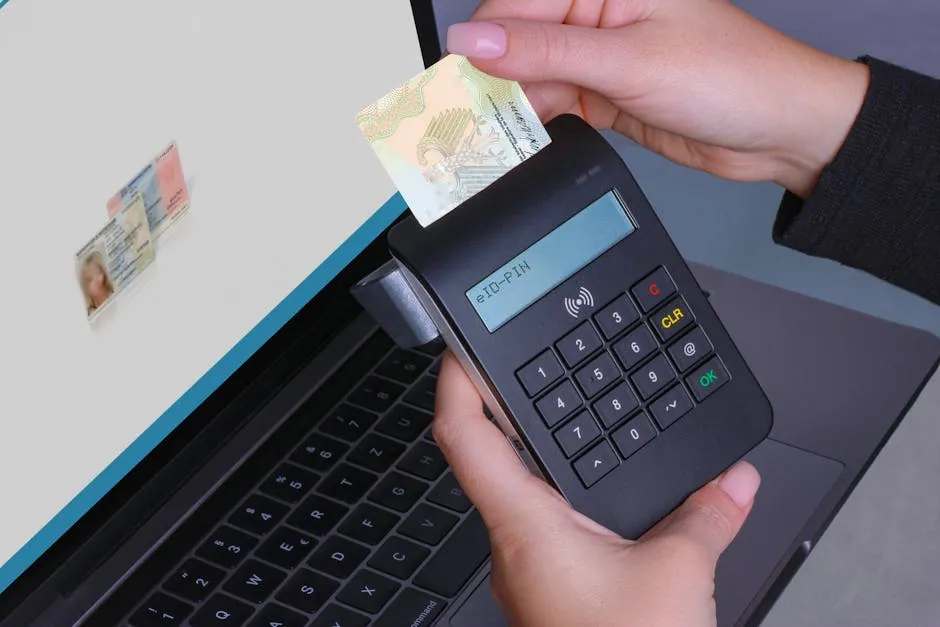
The National Cyber Security Centre (NCSC), the UK government’s technical authority on cyber security, has come out clearly on something that’s been quietly gaining ground for a while: passkeys are now officially recommended over passwords wherever they’re available. Worth understanding what that actually means for a small business.
What is a passkey, in plain English?
Instead of typing a password, a passkey uses your device as proof that you’re you. When you log in, your phone, laptop, or tablet checks your identity, via your fingerprint, face, or PIN, and signs you in automatically. No password to remember. More importantly, no password to steal or hand over by accident.
The NCSC tested passkeys against traditional passwords combined with two-factor verification (the extra code you get sent to your phone), and found passkeys are at least as secure, and generally more so. The reason is straightforward: a hacker can trick you into typing a password into a fake website. They cannot trick you into handing over your fingerprint.
Why this matters if you run a small business
Most cyber incidents involving smaller businesses start the same way: a password gets phished, reused across services, or simply never changed after a member of staff leaves. Passkeys don’t fix every problem in that list, but they do remove the weakest part: the password itself.
For staff, passkeys are faster too, noticeably so compared to entering a password and then waiting for a verification code. Fewer lockouts, fewer password reset requests, less friction in the working day.
If you want to read more about why credential theft is such a persistent problem, our piece on VoidStealer malware and saved browser passwords gives a good example of how attackers go after login details in practice.
Where to start
You don’t need to overhaul everything at once. Most services still support both passwords and passkeys, so you can move gradually. Focus on the accounts that matter most if they get compromised:
- Email (Microsoft 365 or Google Workspace)
- Banking portals
- Payment systems
- Any system holding client or personal data If a service your business relies on doesn’t support passkeys yet, a strong password from a password manager plus two-factor verification is still a solid position. Don’t let perfect be the enemy of good.
If you’re already on Microsoft 365 or Google Workspace, passkey support is built into most modern devices. It’s worth checking whether it’s switched on for your team’s accounts.
Worth a quiet conversation with whoever looks after your IT about where it makes sense to start.
Could your business use a hand with its IT?
We provide managed IT support, cyber security and more to businesses across North Wales.
Related guides
- Cybersecurity
Android Microsoft 365 apps needed urgent patching, is yours up to date?
A debug flag left on in six Microsoft 365 Android apps let other apps silently steal login tokens. The patch is out, here’s what to check.
- ComplianceCybersecurity
Windows domain controllers under active attack, is yours patched?
A critical Windows flaw is being actively exploited right now. The patch has been available for three weeks. Here’s what it means for your business and what.
- Cybersecurity
Lookalike domain scams: what your business needs to know
Attackers register near-identical misspellings of trusted company names to steal credentials. Standard email filters miss them. Here’s what actually helps.