
Why your laptop feels sluggish after Windows updates
Windows Update has been silently replacing newer graphics drivers with older ones on OEM laptops. Microsoft has a fix coming, but not until late 2026.
By The Dragon Digital team ·
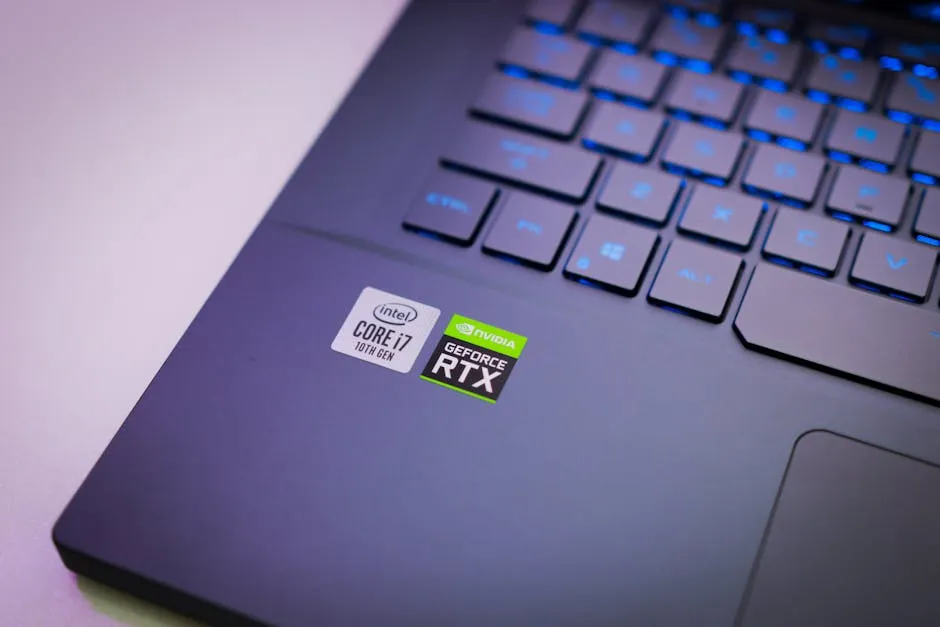
If your laptop fleet has felt noticeably slower since a recent Windows 11 update, there’s a reasonable chance you’ve found the cause, and it’s not the hardware giving up.
Microsoft has confirmed that Windows Update has been silently downgrading graphics drivers on OEM machines, replacing the carefully tuned drivers that came with your Dell, HP, or Lenovo with older versions from the manufacturer’s catalogue. The way Windows ranks drivers casts too wide a net: it sees an older driver as “the best match” for your hardware type and installs it, quietly overwriting the newer version you had. The result is video calls that drop frames, spreadsheets that scroll awkwardly, and design or video software that feels like it’s wading through mud. Staff start assuming the machine is dying. Usually it isn’t.
According to Tom’s Hardware, Microsoft confirmed the problem and has a fix in development, but full rollout isn’t expected until Q4 2026, possibly slipping into early 2027. So if your machines are slow now, you can’t just wait it out.
What you can do today
These steps won’t require an IT degree, but they’re fiddly enough that it’s worth knowing what’s involved:
- Check the driver version. Right-click Start, open Device Manager, find your graphics adapter under “Display adapters”, right-click it and choose Properties. Note the driver date.
- Compare against the chipmaker’s latest. Intel, AMD, and Nvidia all publish current drivers on their websites. If yours is months or years behind, that’s your answer.
- Install the newer driver manually. Download it direct from the chipmaker’s site and run the installer. Fair warning: Windows Update may downgrade it again at the next Patch Tuesday, so this may need repeating until Microsoft’s fix lands.
- Lock it in place (on Windows Pro or Enterprise). Group Policy lets you stop Windows Update from touching drivers at all. If you’re not sure whether your machines run Pro or Home, that’s worth checking. For businesses doing ordinary office work, email, documents, the occasional video call, a downgraded driver usually means mild frustration rather than anything serious. But if your staff use design software, video editing tools, or anything that leans on the graphics chip, the slowdown is real and worth fixing now.
This also ties into a broader point worth flagging: as we’ve covered in Windows K2: Microsoft’s attempt to fix what Windows 11 got wrong, Microsoft is actively working through a backlog of reliability improvements to Windows 11 through 2026. The driver issue is part of that same picture.
Slower laptops are rarely a sign it’s time to buy new ones. More often it’s something fixable underneath. Dragon Digital handles fleet performance audits for businesses across North Wales, if your machines have slowed down since recent updates, we can tell you honestly whether it’s drivers, hardware age, or something else.
Could your business use a hand with its IT?
We provide managed IT support, cyber security and more to businesses across North Wales.
Related guides
- Software Updates
Windows 11 finally lets you move the taskbar
Microsoft is testing a movable taskbar and leaner Start menu in Windows 11. Here’s what it means if your team has been resisting the upgrade.
- Software Updates
Windows 11 KB5089573: Worth rolling out now, don’t wait for June
Optional update hitting Windows 11 machines in May brings measurable app-launch and login speed boosts. Since it won’t auto-deploy, you need to push it to.
- Software Updates
Windows 11 KB5089573: The update that actually speeds things up
Microsoft’s latest update tackles the sluggishness that’s haunted Windows 11 since launch. Start menu and apps open faster, no hardware upgrade needed.