
Windows 11 KB5089573: The update that actually speeds things up
Microsoft’s latest update tackles the sluggishness that’s haunted Windows 11 since launch. Start menu and apps open faster, no hardware upgrade needed.
By The Dragon Digital team ·
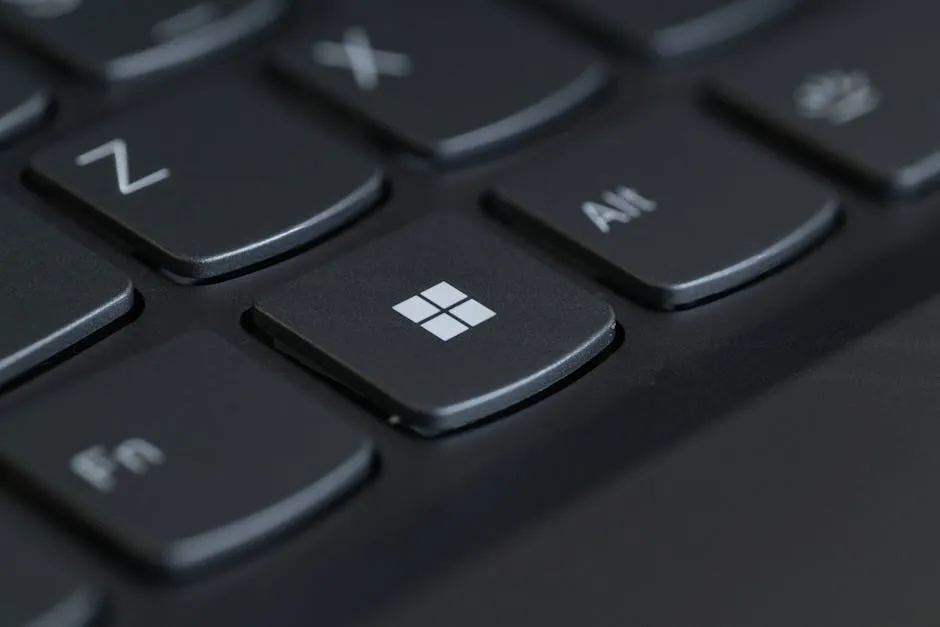
If your Windows 11 machines have felt sluggish for the past year or so, you’re not imagining it. Windows 11 has had a responsiveness problem since day one, and it’s been particularly noticeable on older hardware or machines with 8GB of RAM. KB5089573 changes that, and it doesn’t require buying anything new.
The update introduces what Microsoft calls a “Low Latency Profile.” When you click the Start menu, open File Explorer, or launch an app, Windows briefly pushes the CPU to full speed for a second or two, then steps back down to save power. That short sprint cuts the lag you’d normally feel when the processor is sitting at low power. Testing suggests the Start menu can respond up to 70% faster and apps up to 40% faster. On a mid-range machine, the difference is noticeable, the interface stops feeling sticky and starts feeling immediate.
MacOS and Linux have used similar tricks for years. Microsoft has finally brought it to Windows 11 as a proper OS-level change, as part of a broader effort to make the platform feel better day-to-day rather than just adding more features nobody asked for.
How to get it now
KB5089573 rolled out on 26 May as an optional preview update. To install it today, go to Settings > Windows Update > Advanced options > Optional updates and click the button there. A restart is needed to activate the changes.
Because it’s optional, it won’t download automatically for now. Microsoft is rolling the performance improvements out in phases, so some machines may not see the full benefit straight away. Most will get it as a mandatory update in June.
There are no known compatibility issues. It’s safe to deploy across a business fleet. The update also brings a few other welcome fixes: File Explorer crashes less often, USB4 docks behave more reliably, and Windows Hello (face and fingerprint login) wakes faster from sleep.
If your business runs older or mid-range Windows 11 machines and they’ve been slowing your team down, this is the update to watch for. It won’t fix hardware that’s genuinely past it, but it will get more out of what you already have. Dragon Digital audits fleet performance and handles update deployment for businesses across North Wales, worth a conversation if you’re weighing up whether this sorts the problem or whether a hardware refresh is sitting in the equation.
Could your business use a hand with its IT?
We provide managed IT support, cyber security and more to businesses across North Wales.
Related guides
- Software Updates
Windows 11 finally lets you move the taskbar
Microsoft is testing a movable taskbar and leaner Start menu in Windows 11. Here’s what it means if your team has been resisting the upgrade.
- Software Updates
Windows 11 KB5089573: Worth rolling out now, don’t wait for June
Optional update hitting Windows 11 machines in May brings measurable app-launch and login speed boosts. Since it won’t auto-deploy, you need to push it to.
- Software Updates
KB5087424 breaks printing on Windows Server 2022, what to do
Microsoft’s May 2026 hotpatch KB5087424 is breaking 32-bit printer drivers on Server 2022. If printing has stopped, here are your options.