
Windows BitLocker bypass: what you need to do this week
A zero-day called YellowKey lets anyone with physical access to your laptop bypass Windows disk encryption. Here’s what it means and what to do now.
By The Dragon Digital team ·
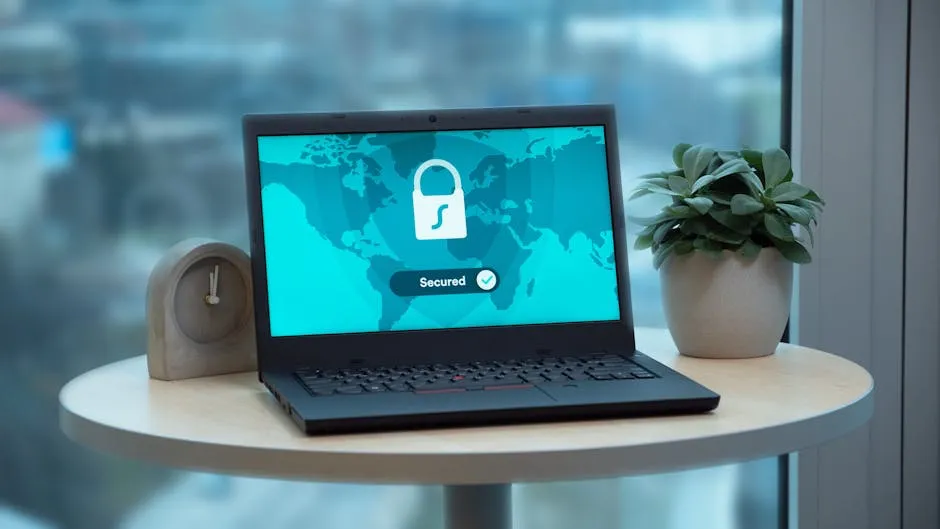
If your business relies on Windows laptops to carry client data, financial records, or sensitive files, a vulnerability disclosed this week is worth a look before the weekend.
The flaw, tracked as CVE-2026-45585 and nicknamed YellowKey, is a weakness in how Windows handles disk encryption when a machine boots into recovery mode. If someone has a locked laptop in their hands, a USB drive, and a few minutes, they can restart it into the Windows Recovery Environment and read everything on the drive without a password or recovery key. Microsoft has confirmed the issue and published workarounds while a permanent patch is being developed.
The important thing to understand: this is not a remote attack. An attacker needs the physical machine. For most offices, that’s reassuring. For businesses with staff working across multiple sites, laptops going home overnight, or devices moving around with field teams, the picture is a bit different. If a laptop goes missing, the encryption you thought was protecting your data might not be doing the job.
Two things you can do right now
If your machines run Windows 11 or Windows Server 2022/2025 with BitLocker enabled, you have two practical options.
Add a PIN to BitLocker. Most laptops are set up in TPM-only mode, meaning BitLocker unlocks automatically on startup without any input from the user. Switch to TPM+PIN mode and staff enter a short PIN when the machine boots. That one change blocks the YellowKey attack entirely. There’s a small friction cost on boot-up, but for anyone carrying sensitive client files, it’s a sensible trade-off. This can be applied across your whole fleet via Group Policy or PowerShell.
Apply Microsoft’s recovery environment fix. Microsoft has published a multi-step mitigation that removes the vulnerable component from the Windows Recovery Environment. It’s manual and a bit fiddly, but it’s available now without waiting for a patch to arrive.
If your machines don’t use BitLocker at all, this particular vulnerability doesn’t affect you directly. That said, it’s a reasonable prompt to ask whether full disk encryption should be part of your setup, especially for anyone carrying a laptop between home, the office, and client sites across the region.
One other thing worth checking while you’re at it: make sure you have working offsite backups of anything critical, independent of your encrypted drives. BitLocker protects data from being read if a machine is stolen; backups are what let you rebuild if the machine doesn’t come back. Both matter, and they solve different problems. If you’re not sure your backup situation is solid, our article on why the UK’s cyber threat is climbing and what it means for your business is worth a read alongside this one.
Disk encryption and offsite backups are genuinely straightforward to get right when they’re set up properly from the start. Dragon Digital manages BitLocker deployment and backup for businesses across North Wales, and can tell you quickly whether your current setup would have held up if a laptop went missing today.
Could your business use a hand with its IT?
We provide managed IT support, cyber security and more to businesses across North Wales.
Related guides
- Cybersecurity
Android Microsoft 365 apps needed urgent patching, is yours up to date?
A debug flag left on in six Microsoft 365 Android apps let other apps silently steal login tokens. The patch is out, here’s what to check.
- ComplianceCybersecurity
Windows domain controllers under active attack, is yours patched?
A critical Windows flaw is being actively exploited right now. The patch has been available for three weeks. Here’s what it means for your business and what.
- Cybersecurity
Lookalike domain scams: what your business needs to know
Attackers register near-identical misspellings of trusted company names to steal credentials. Standard email filters miss them. Here’s what actually helps.